Free for Fall 2026

Peer evaluations for team courses

Students rate each teammate's share of the work. You see fair, readable scores, decide how much they count, and export them to your gradebook. Students sign in from an emailed link and their answers save as they type.

Get started freeMoving from TEAMMATES? The results screen: per-team factors with band labels, flags for the instructor, and the peer impact dial

Results, as the instructor sees them: each student's factor with a plain band word, quiet flags where a number deserves a closer look, and a dial that sets how much peers count.

Everything it does

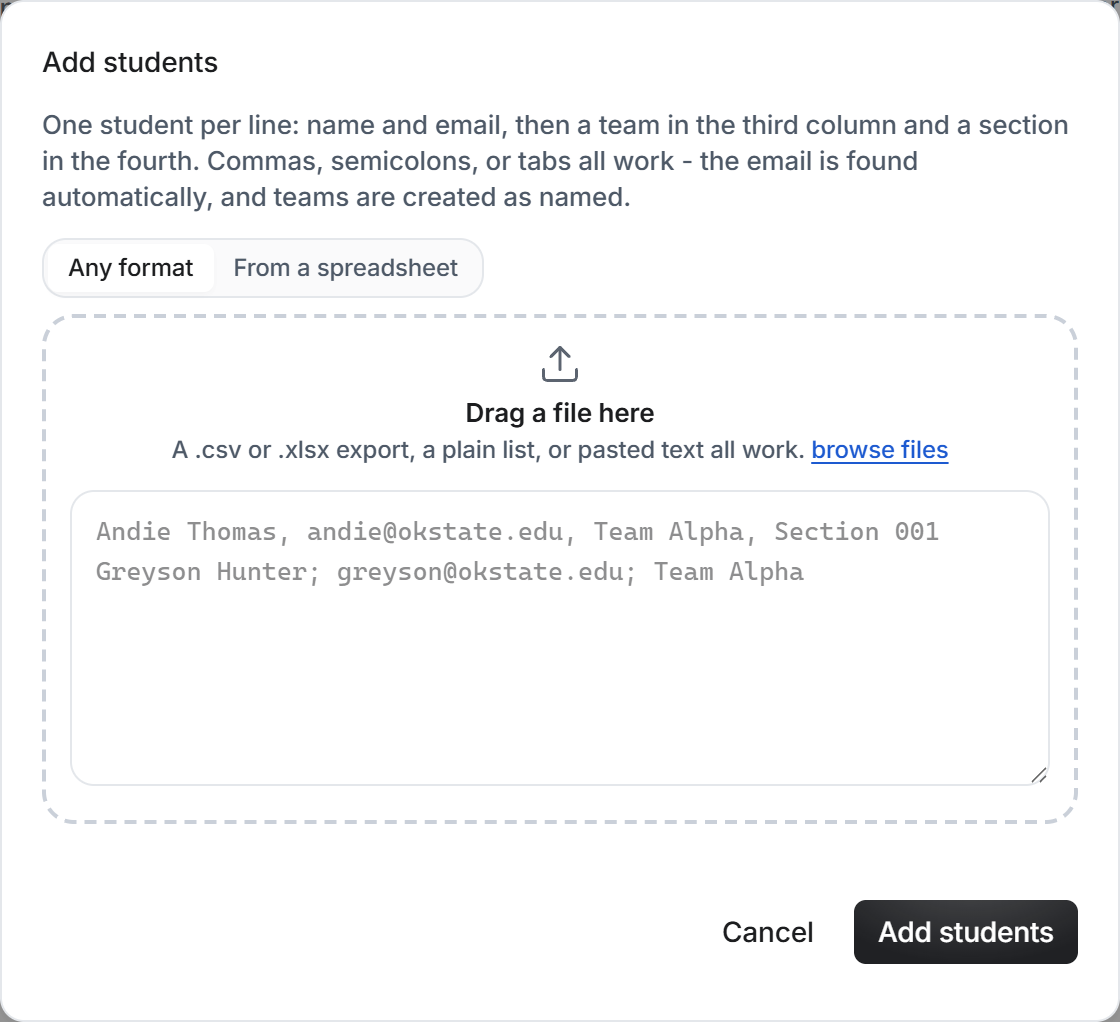
Courses and rostersPaste your roster in any reasonable format: names, emails, teams, sections. Nothing is emailed on import.
TeamsBuilt from your roster's team column, or by hand. Rename and move students any time.
Ten question typesTeam contribution, written answer, number scale, single and multiple choice, point splits, rubric grids, and rankings.
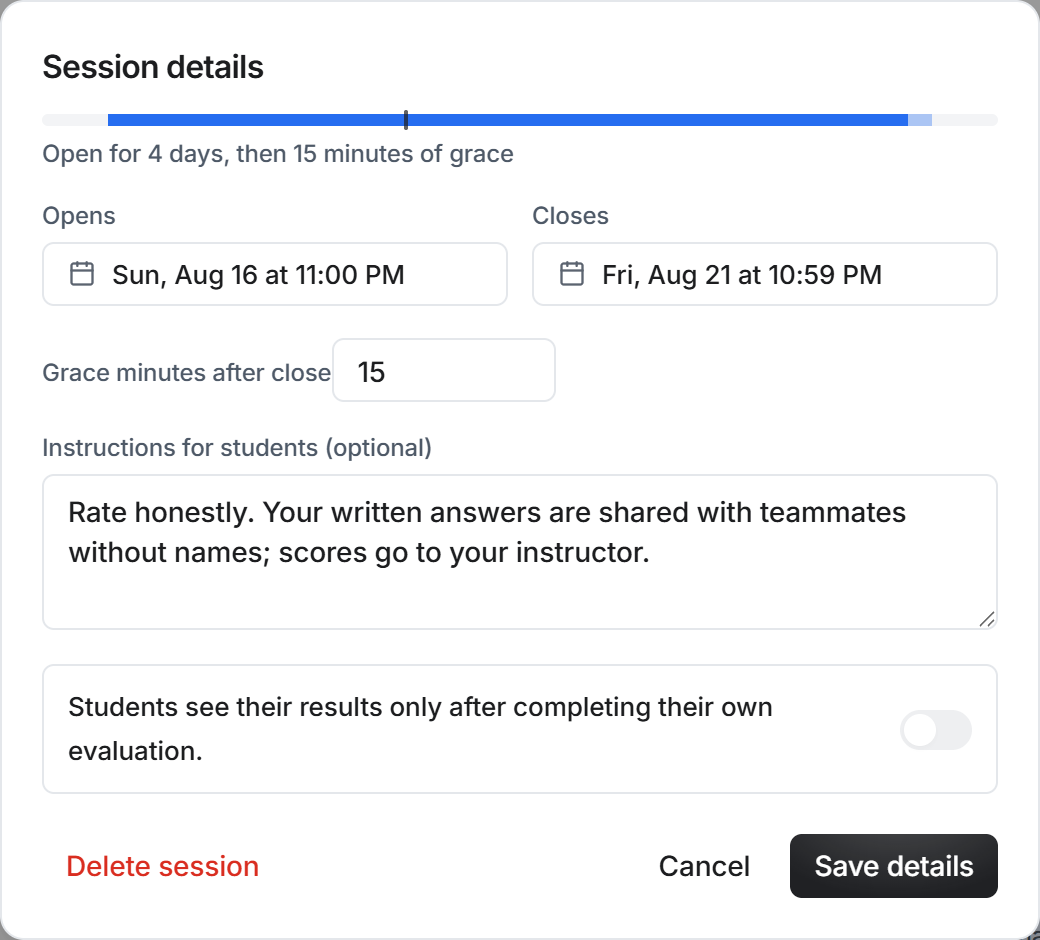
Three clear windowsA session opens, closes, and publishes. Publishing is a button you press, never a timer you have to reason about.
No passwordsStudents sign in from a link in their email. Lost the email? A fresh link takes ten seconds from the front page.
Answers save themselvesEvery change is saved a moment after it is made. There is no submit button to forget.
Automatic remindersStudents who have not answered get one nudge before the close, and you can press Remind any time. Nothing double-sends.
More time for one studentA personal deadline extension that moves nothing for anyone else. The emails know about it.
Preview as a studentSee the session exactly as students will, before it opens. Preview answers are never saved.
A score students can readOne number where 1.00 means an equal share, with a plain band word beside it. The math is published on the help page.
Flags for you aloneFew raters, self-inflation, an outlier rater, a one-person team. Signals to look closer, never automatic penalties.
Comments on answersReply to any written answer; the thread stays with the response.
Course-wide resultsFactors and averages across every session of the course, on one screen.
CSV for any gradebookOne row per student: factor, adjusted factor, band, flags, response state. It pastes straight in.
The TEAMMATES importerBring the files TEAMMATES exports; your courses, rosters, and teams are recreated in minutes.
Question sharing rulesEach question states who reads the answer: instructors only, anonymous, or named. Students see the rule before they type.
Co-instructorsAdd a colleague by email; they see the course beside their own, with the same controls.
Archive and recycle binsNothing is destroyed by one click. Archived courses come back whole; deleted things restore from the bin.
Light and darkA clean white workspace, or a true black one. The toggle remembers your choice.
The command paletteCtrl K jumps to any course, session, or tab by typing a few letters.
Help that answersSearchable plain-English documentation for instructors and students, including the full scoring math.
The course overview: a stat strip, the session timeline with a today marker, people, and quick actions

The course overview: who is in, which sessions are open or published, and what happens next.

How the score works

On the contribution question, each student rates every teammate's share of the work, where 100 means an equal share.

Each rater's marks are divided by that rater's own total, so a harsh grader and a generous grader count exactly the same. The credit each student receives is added up and scaled so that 1.00 means an equal share. A team's factors always average exactly 1.00.

A teammate who never responds is treated as neutral, so silence never distorts anyone's score. A worked example lives on the help page.

The sign-in page: one email field, no passwords

The whole sign-in: type your email, click the link we send. That is the entire process, for you and for students.

Moving from TEAMMATES

TEAMMATES ends service on December 31, 2026. Its farewell notice tells you to download your data; that download is all this product needs. The migration page explains what you keep.

What it costs

Free for the Fall 2026 semester. Spring pricing will be announced well before the term and will stay far below the enterprise tools.

Get started free